

Prerequisites
- A PDL account. If you don’t have one, sign up for free.
In the API Dashboard
To go straight to your usage, open the Usage tab. You can also navigate there yourself:- Sign in to the API Dashboard.
- In the navigation menu, click Account > Usage.
-
Select the API you want to check from the Product dropdown at the top of the page.
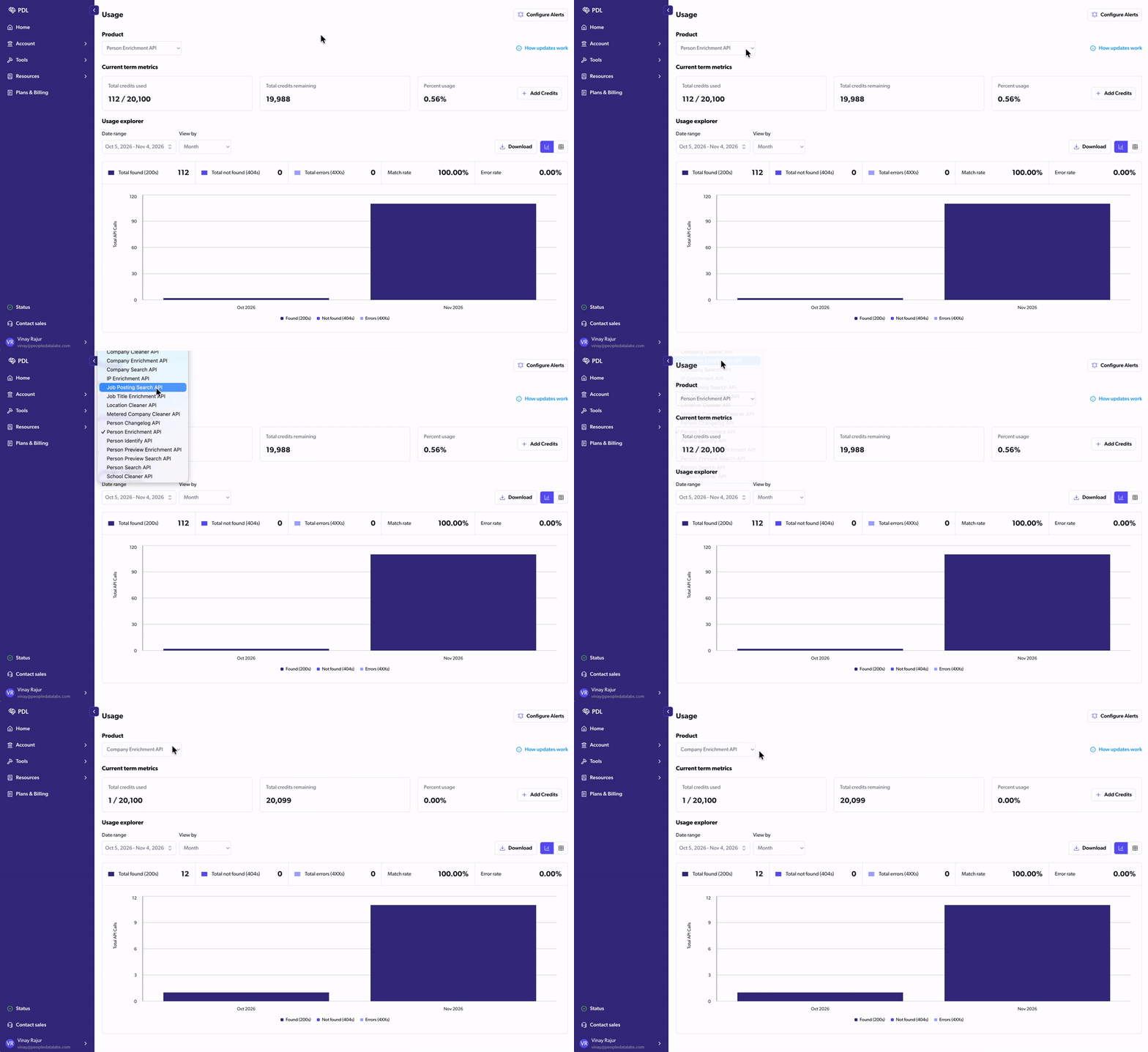
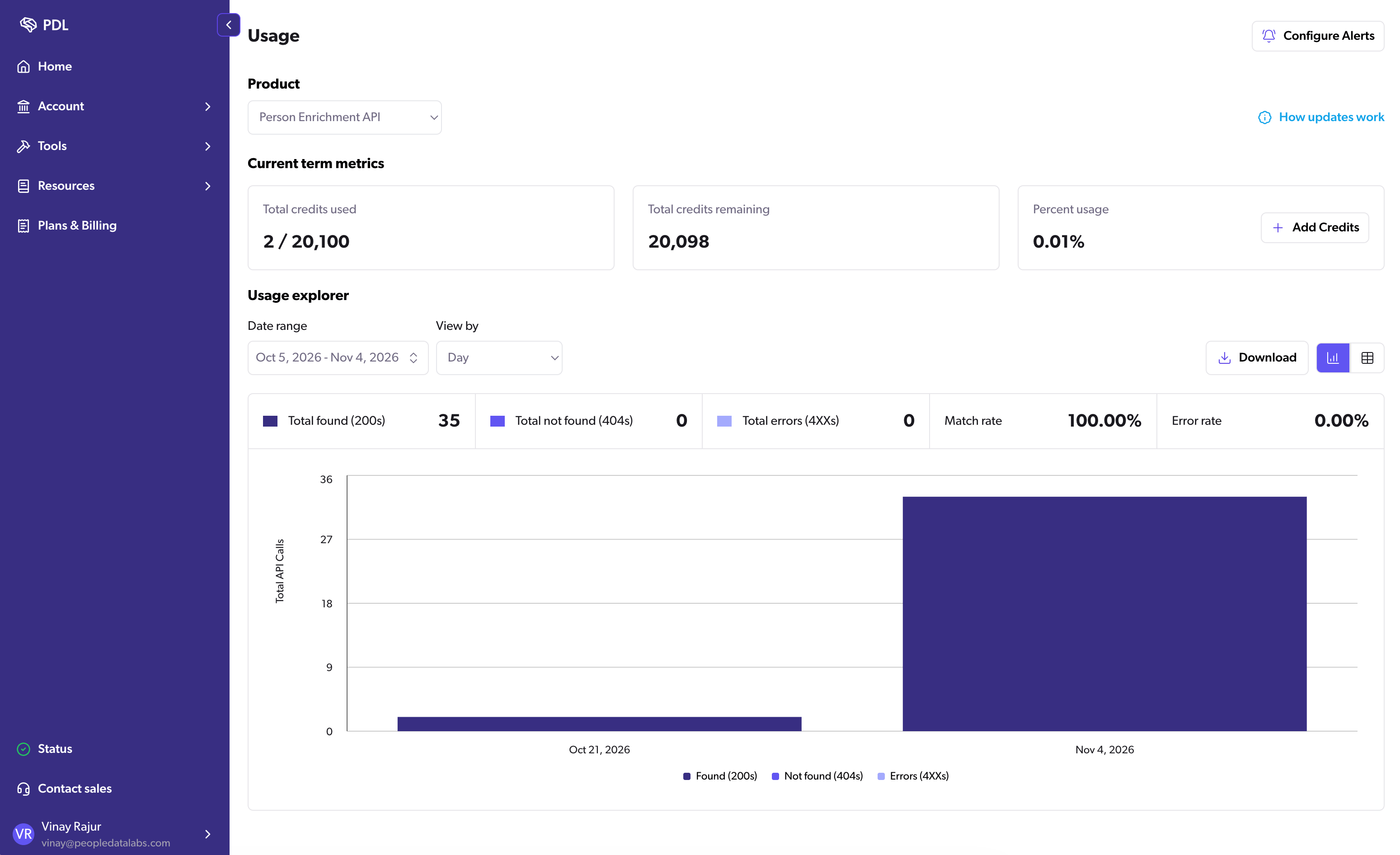
- Current term metrics: Total credits used, total credits remaining, and percent usage for your current term.
- Usage explorer: API calls over time, split into found (
200), not found (404), and error (4XX) responses, with your match rate and error rate. Use Date range to set the time frame and View by to group results by hour, day, week, month, or year. Date ranges longer than 90 days can only be grouped by month or year. Click Download to export the data.
In response headers
Each API response includes credit headers. These are the most useful for tracking usage:
For the full list, see Usage limits.